
Downloadable Virtual Backgrounds
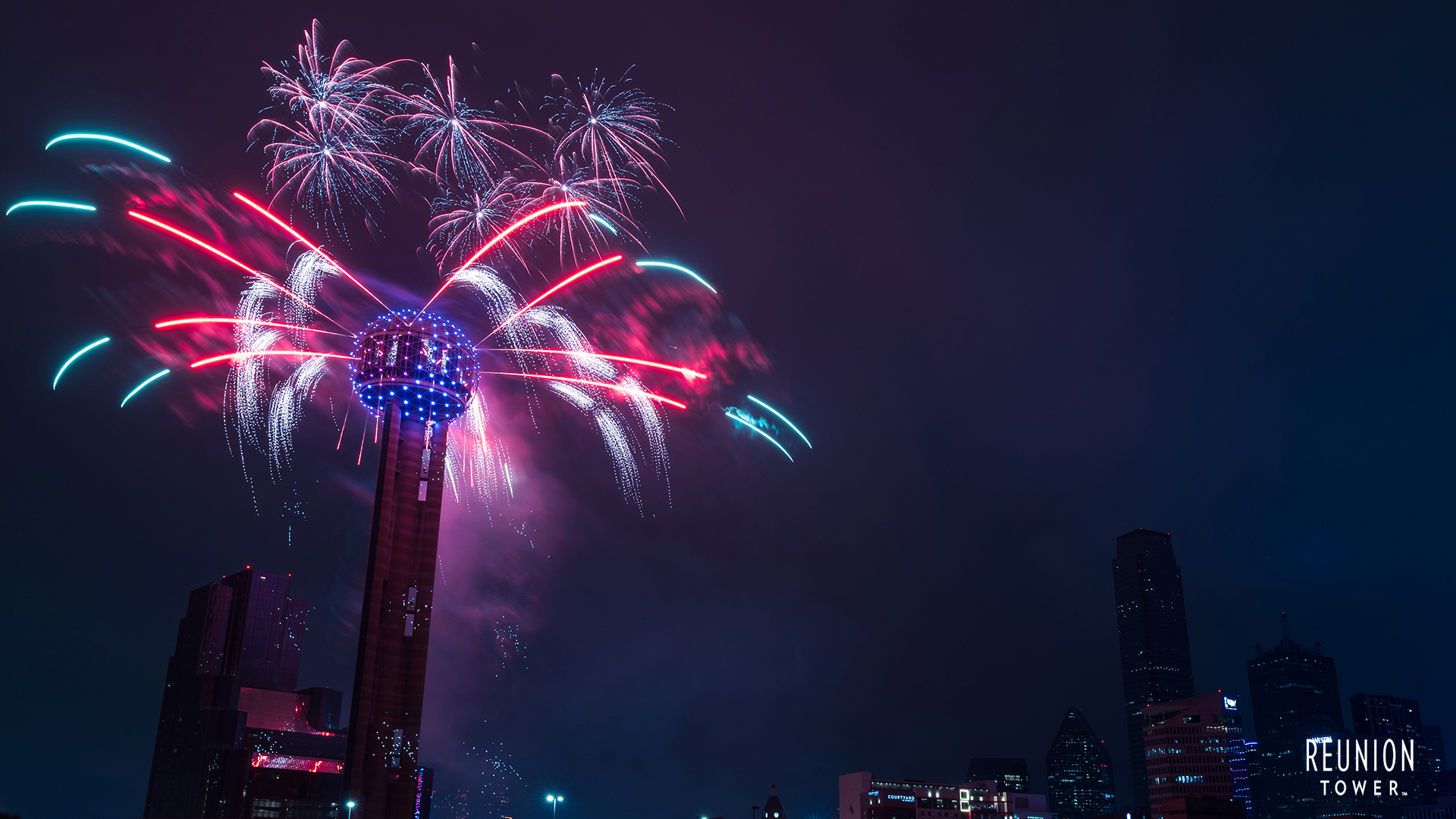
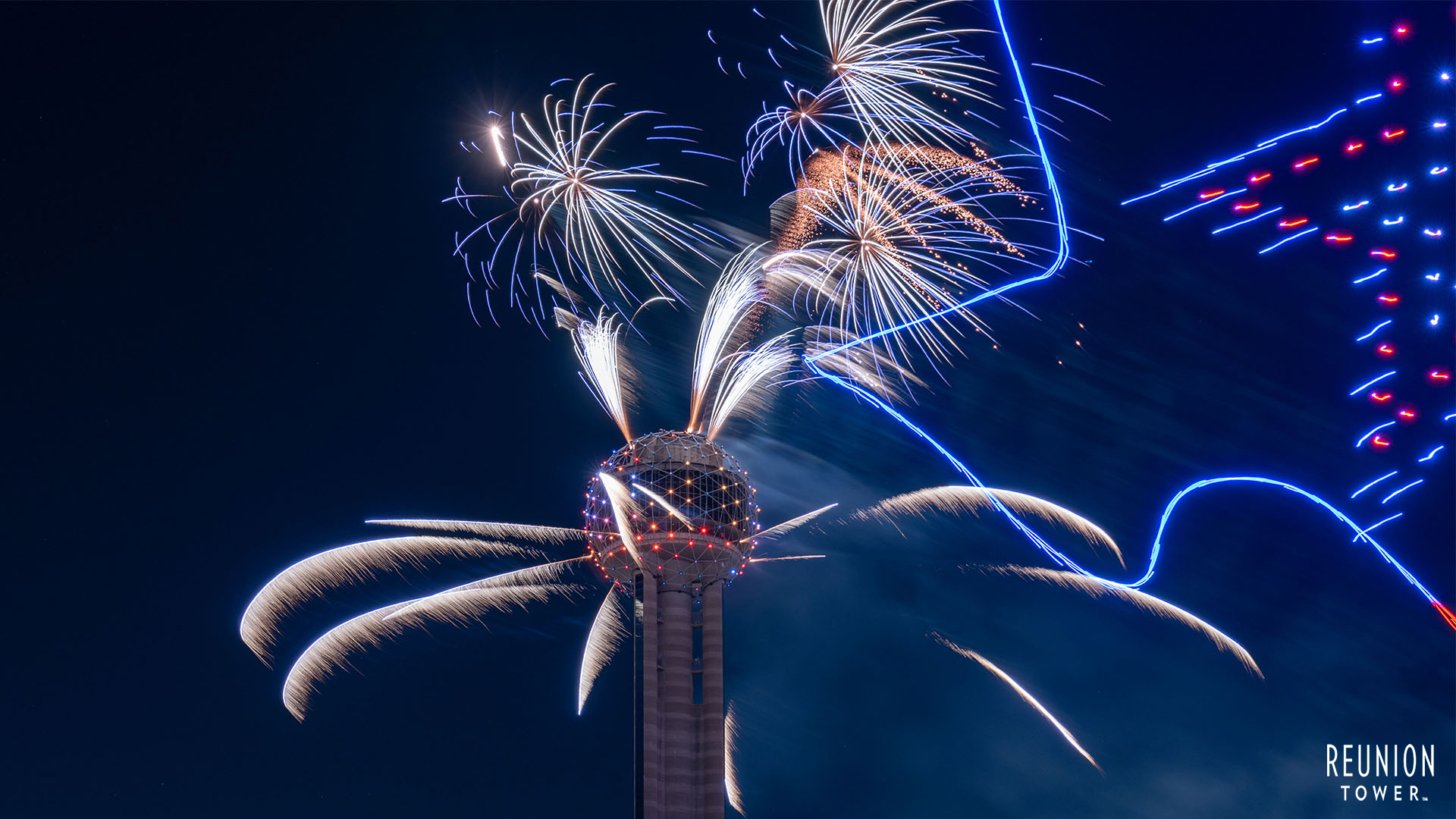
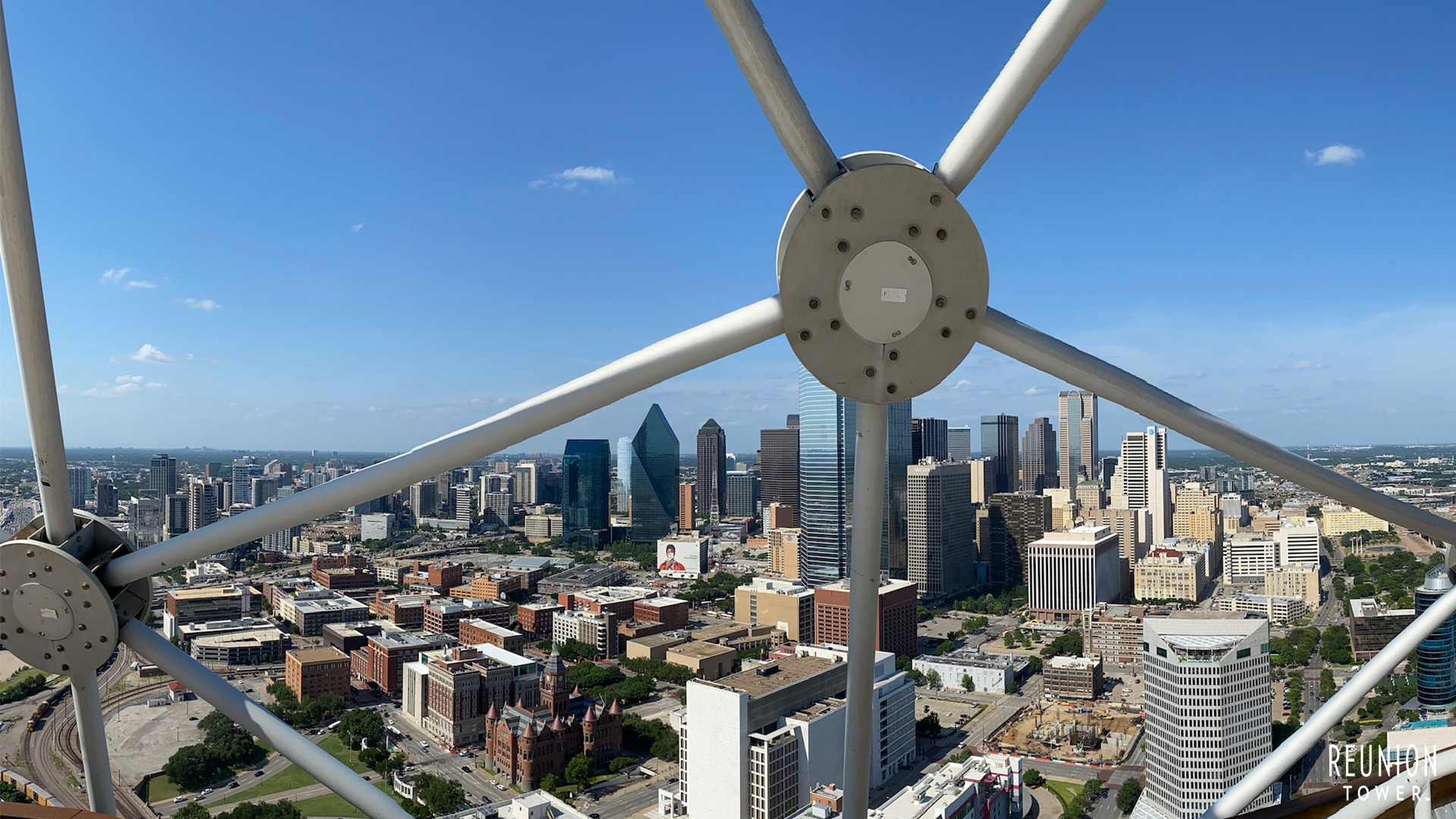
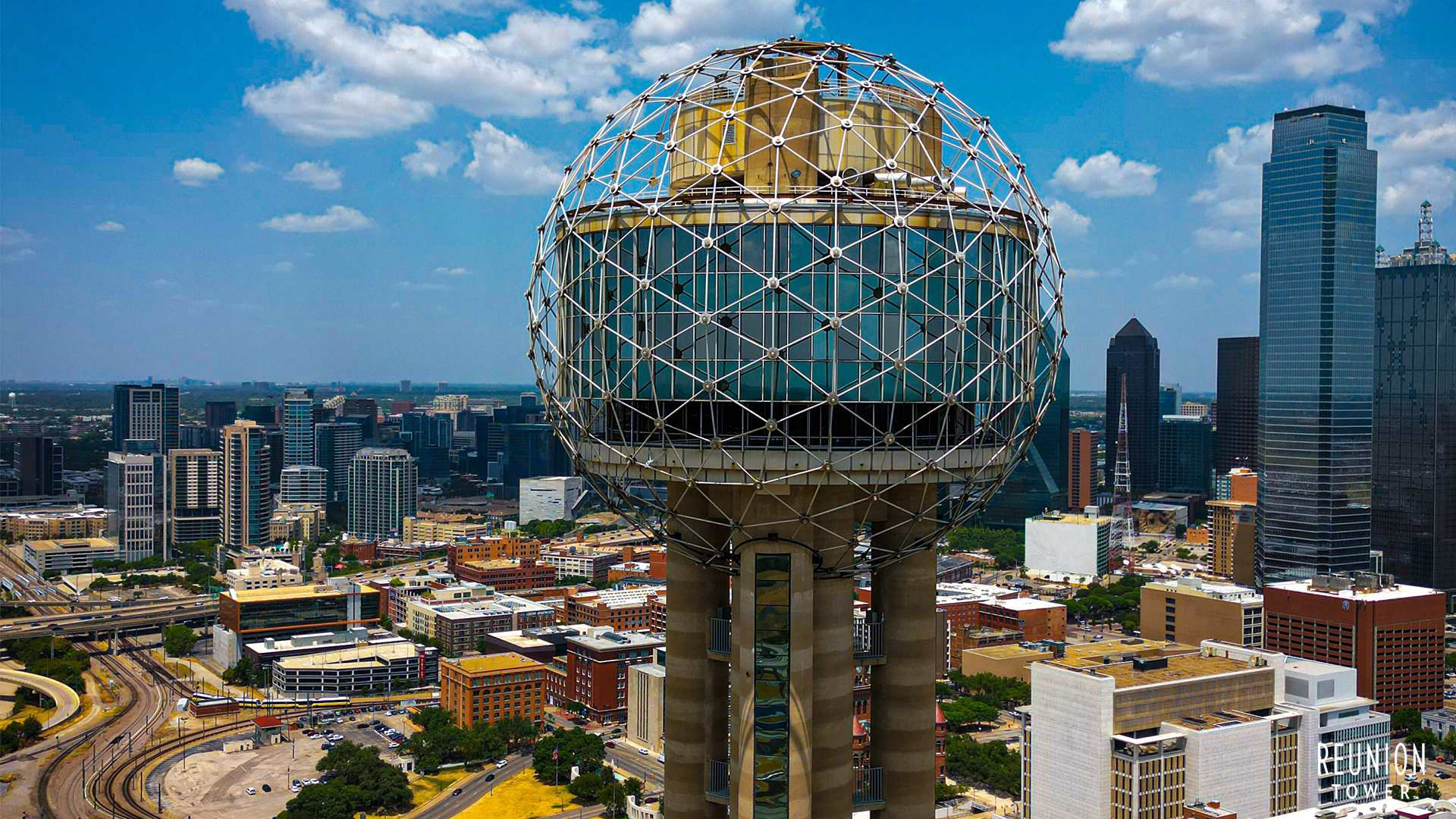
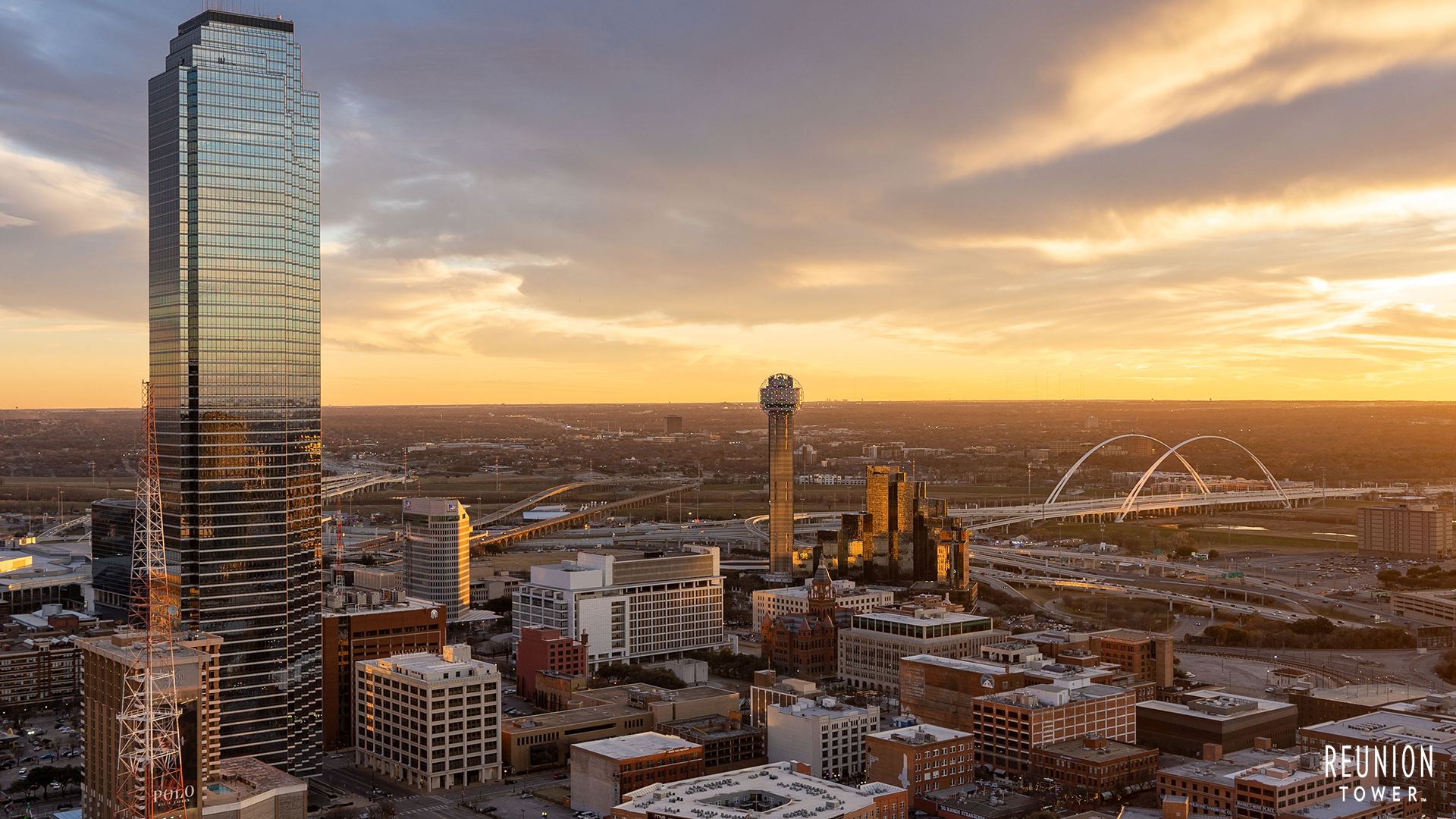
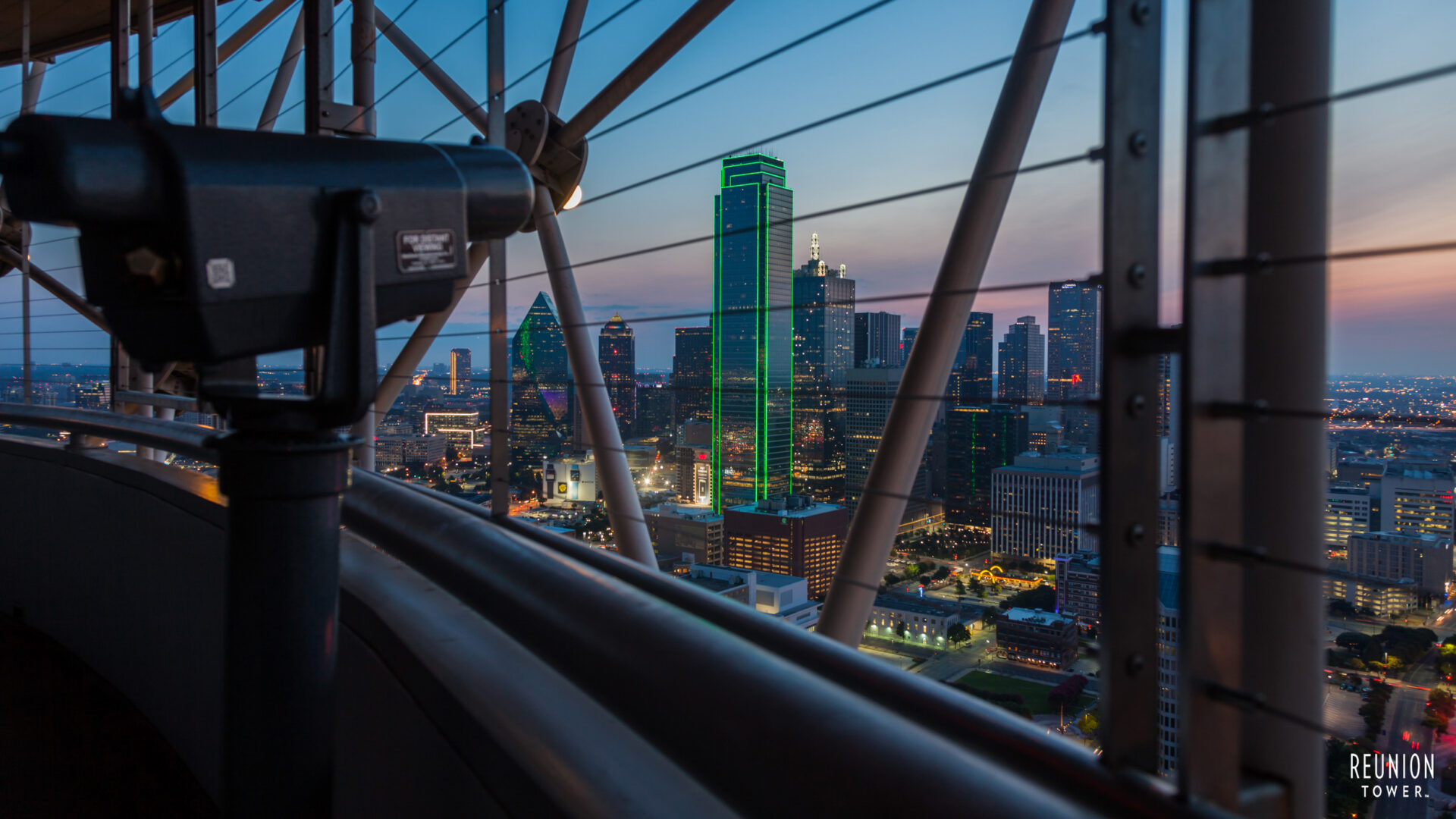
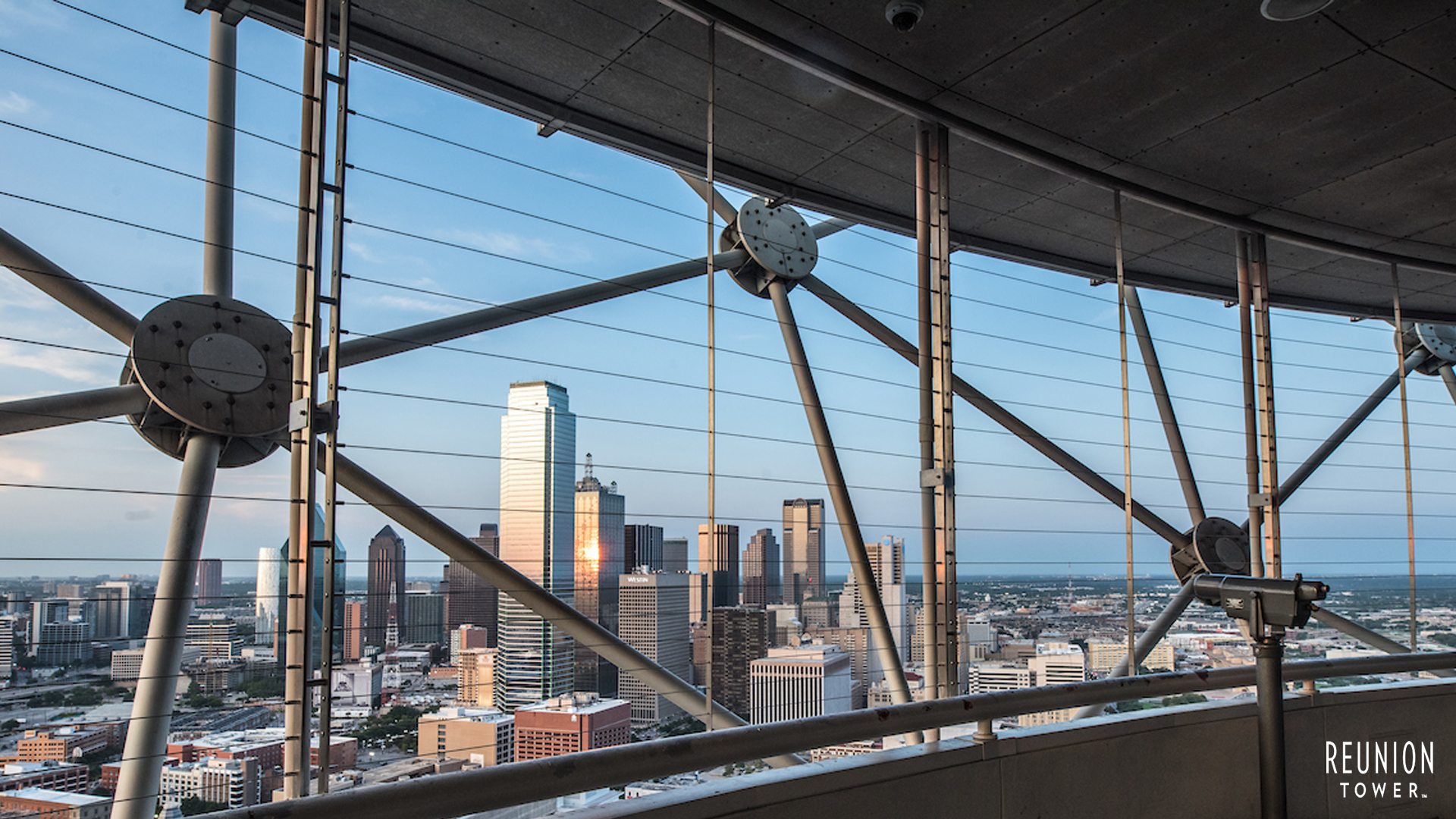
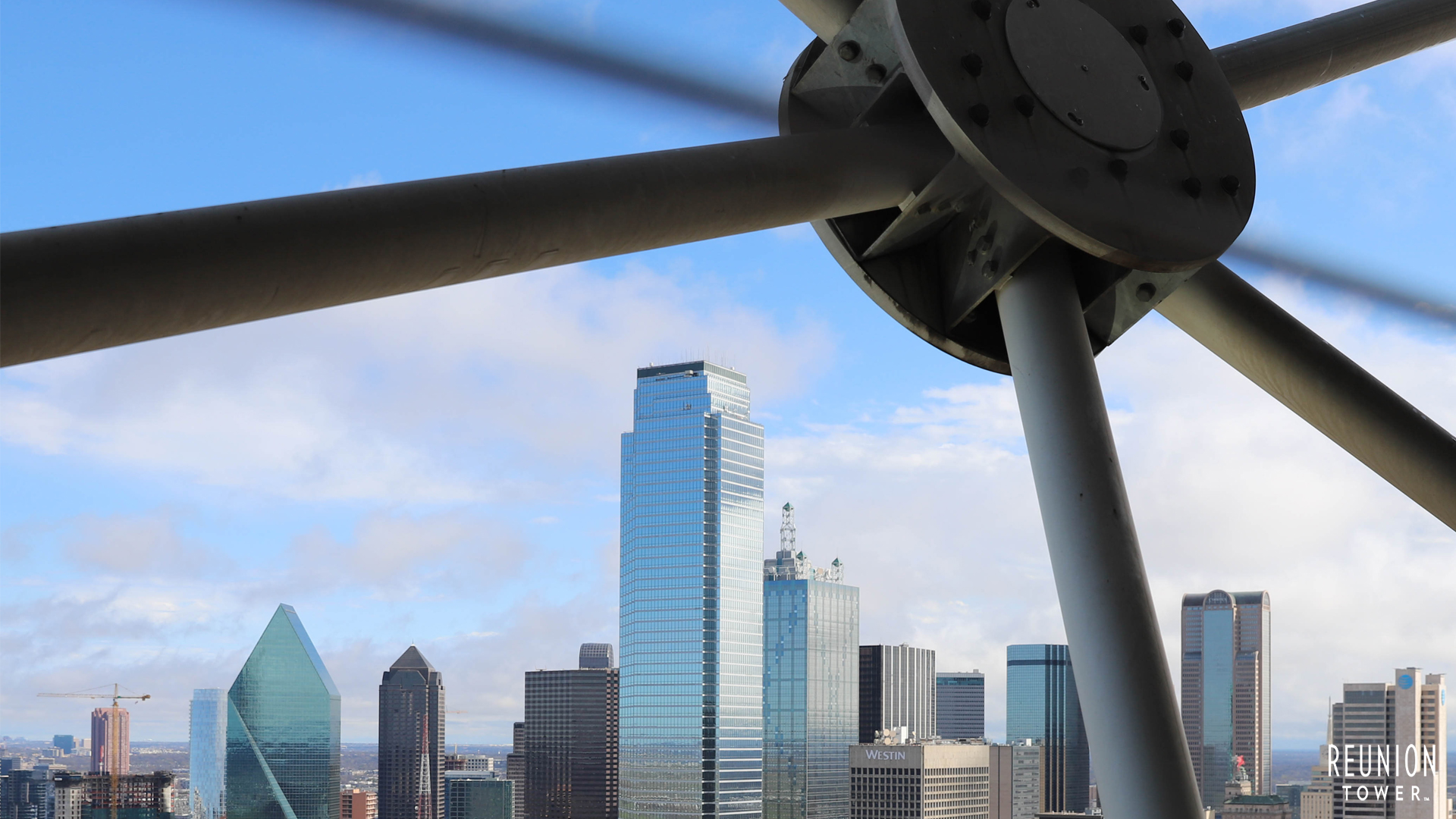
Bring Reunion Tower to your next virtual meeting with downloadable backgrounds featuring the Tower and our GeO‑Deck views. Perfect for video calls, presentations, or showing off a little Dallas pride—no elevator ride required.
HOW TO DOWNLOAD
Scroll down to view the available virtual backgrounds.
To download, click on an image to open it in a new tab, then right‑click (or tap and hold) and select Save Image to download it to your device.
HOW TO USE
Once saved, open your video conferencing platform (Zoom, Teams, Google Meet, etc.) and upload the image as your virtual background through the program’s settings.
Enjoy the view from 470 feet up—right from your screen.
Want the real view? Plan your visit to the GeO‑Deck and experience Dallas from the top.